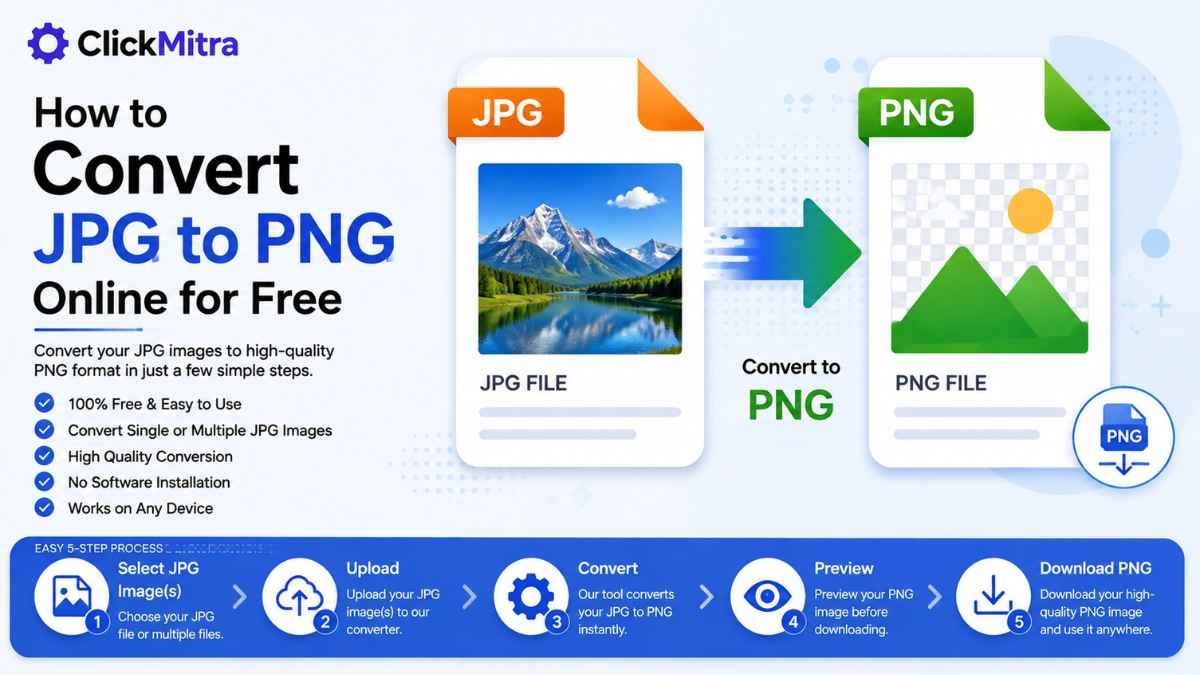
How to Convert PNG to JPG: Free Online File Converter
Learn how to convert PNG to JPG with a free online file converter. Convert single or multiple PNG images to JPG for websites, uploads, sharing and more.
PNG and JPG are two of the most widely used image formats. PNG is commonly used for graphics, screenshots, logos, and images that require transparency, while JPG is often preferred for photographs and situations where a smaller file size is useful.
If you have PNG images that need to be converted into JPG format, an online file converter png to jpg can make the process quick and simple. You can convert your images directly from your browser without installing image-editing software.
In this guide, we'll explain how to convert PNG to JPG, why you may need to change the format, how to convert multiple files, and what happens to image quality during conversion.
How to Convert PNG to JPG Online
Using an online file converter png to jpg is one of the easiest ways to change your image format.
The basic process is:
- Open a PNG to JPG converter.
- Select your PNG image.
- Upload the file.
- Start the conversion.
- Download the JPG image.
You don't need Photoshop or another image editor for a basic format conversion.
Step-by-Step: Convert PNG to JPG
1. Select Your PNG Image
First, select the PNG image you want to convert.
It can be a screenshot, photograph, logo, graphic, downloaded image, or another PNG file.
If you have multiple images, check whether the converter supports batch conversion.
2. Open a PNG to JPG Converter
Open ClickMitra's PNG to JPG tool.
A browser-based file converter png to jpg allows you to change the format without installing additional software on your computer or phone.
3. Upload Your PNG File
Select the PNG image from your device and upload it.
After the image is selected, the tool can process it and prepare it for conversion.
4. Convert the PNG to JPG
Start the conversion process.
The converter changes the PNG image into JPG format while creating a new image file.
For ordinary images, the conversion should only take a short amount of time.
5. Download the JPG File
Once the conversion is finished, download the resulting JPG file.
Open the image and check it before using or sharing it.
That's all you need to do when using a file converter png to jpg online.
Why Convert PNG to JPG?
There are several reasons to convert PNG images to JPG.
JPG can be useful when:
- A website only accepts JPG files.
- You need a smaller image file.
- You are uploading photographs.
- You want to save storage space.
- An application doesn't support PNG.
- You need an image format commonly supported by websites and platforms.
For many photographs, JPG provides a practical balance between image quality and file size.
PNG vs JPG: Which Format Should You Use?
PNG and JPG have different strengths.
PNG is generally useful for:
- Logos
- Icons
- Screenshots
- Graphics
- Images containing text
- Transparent images
- Lossless image storage
JPG is commonly used for:
- Photographs
- Website images
- Social media images
- Email attachments
- General-purpose image sharing
If you don't need transparency and want a smaller file for a photograph, JPG may be a better choice.
Does Converting PNG to JPG Reduce Image Quality?
It can.
PNG uses lossless compression, while JPG uses lossy compression. During JPG conversion, some image information can be removed to reduce the file size.
The difference may not be noticeable for many photographs, but it can be more visible in graphics, screenshots, text, or images with sharp edges.
For important images, keep the original PNG file before conversion.
What Happens to a Transparent PNG?
This is one of the most important things to understand before using a file converter png to jpg.
PNG supports transparent backgrounds, but JPG does not support transparency.
Therefore, if your PNG has transparent areas, those areas cannot remain transparent in a standard JPG file.
The transparent portions will instead be rendered against a background during the conversion.
If you need to preserve transparency, keep the original PNG or use a format that supports transparent images.
Can You Convert Multiple PNG Files to JPG?
Yes, if the conversion tool supports multiple files.
For example, you may have several PNG images that need to be converted for a website or project.
Instead of converting each image individually, you can select multiple files, upload them, and convert them together.
A file converter png to jpg with batch processing can save considerable time when you have many images.
How to Convert PNG to JPG on Mobile
You can also convert PNG images from your smartphone.
You don't necessarily need to install a separate application. If the online converter works on mobile browsers, you can complete the conversion directly from your phone.
Follow these steps:
- Open the PNG to JPG tool.
- Select a PNG image from your phone.
- Upload the image.
- Start the conversion.
- Download the JPG.
- Check the converted image.
This is useful when you need to upload a JPG to a website directly from your smartphone.
How to Convert PNG to JPG Without Software
If you only need to change the image format, installing professional image-editing software may be unnecessary.
An online file converter png to jpg can handle the basic conversion through your web browser.
The workflow is simple:
Select PNG → Upload → Convert → Download JPG
This can be useful for occasional image conversions when you don't want to install or learn additional software.
Is JPG Smaller Than PNG?
JPG is often smaller than PNG when used for photographs and complex images.
However, the actual file size depends on the image.
A simple graphic can sometimes have a relatively small PNG file, while a photograph may become much smaller when saved as JPG.
If your main goal is reducing image file size, you can convert the PNG to JPG and then check the resulting file size.
When Should You Keep PNG Instead?
Converting every PNG to JPG isn't always a good idea.
Keep the PNG when:
- You need a transparent background.
- The image is a logo.
- The image contains important text.
- You need lossless image quality.
- You're working with graphics or screenshots.
- You plan to edit the image further.
JPG is generally more suitable for photographs and situations where smaller file size is important.
How to Reduce the JPG File Size
If the converted JPG is still too large, you can compress the image after conversion.
For example:
PNG → JPG → Compress JPG
This workflow can be useful when you need to upload an image to a website with a file-size limit.
You can also use an online image compression tool to reduce the JPG file size while trying to maintain acceptable visual quality.
Is PNG to JPG Conversion Free?
Many online converters provide free PNG-to-JPG conversion.
The available features and limits depend on the individual service.
For a basic conversion, you generally only need to upload your PNG, start the conversion, and download the JPG.
With a free file converter png to jpg, you can change the image format without purchasing professional image-editing software.
Convert PNG to JPG With ClickMitra
ClickMitra's PNG to JPG tool provides a simple way to convert PNG images into JPG files online.
Upload your PNG image, start the conversion, and download the resulting JPG.
The tool can be useful when you need JPG format for a website, upload, email, social media post, or another application.
If you're looking for a file converter png to jpg, an online tool can save you the time of manually opening and exporting images.
Frequently Asked Questions
What is a file converter PNG to JPG?
A file converter png to jpg is an online or software-based tool that changes PNG image files into JPG format.
How do I convert PNG to JPG online?
Open a PNG-to-JPG converter, upload your PNG image, start the conversion, and download the resulting JPG file.
Is there a free file converter PNG to JPG?
Yes. You can use a free online file converter png to jpg to change PNG images into JPG format.
Can I convert multiple PNG files to JPG?
Yes, provided the converter supports multiple-file or batch conversion. You can upload several PNG images and convert them together.
Can I convert PNG to JPG on my phone?
Yes. You can use an online file converter png to jpg through your mobile browser and download the converted JPG to your device.
Will converting PNG to JPG reduce quality?
Some quality loss can occur because JPG uses lossy compression. The amount of visible change depends on the original image and conversion process.
Can a transparent PNG become a transparent JPG?
No. JPG does not support transparency. Transparent areas in a PNG need to be rendered against a background when converted to JPG.
Which is better, PNG or JPG?
It depends on the image and its purpose. PNG is useful for transparency, graphics, screenshots, and lossless storage, while JPG is often better for photographs and smaller file sizes.
Why should I use a PNG to JPG converter?
A file converter png to jpg is useful when you need JPG format for compatibility, smaller file sizes, website uploads, sharing, or applications that don't accept PNG.
Conclusion
Converting PNG to JPG is useful when you need a widely supported image format or want to reduce the file size of certain types of images.
The process is straightforward: select your PNG file, upload it to a converter, convert it to JPG, and download the finished image.
Keep in mind that JPG doesn't support transparency and uses lossy compression, so the original PNG should be kept when image quality or transparency is important.
If you need a file converter png to jpg, ClickMitra provides an easy way to convert PNG images to JPG online without installing additional software.