Free Online Tools: Useful Tools for PDF, Images, QR Codes & More
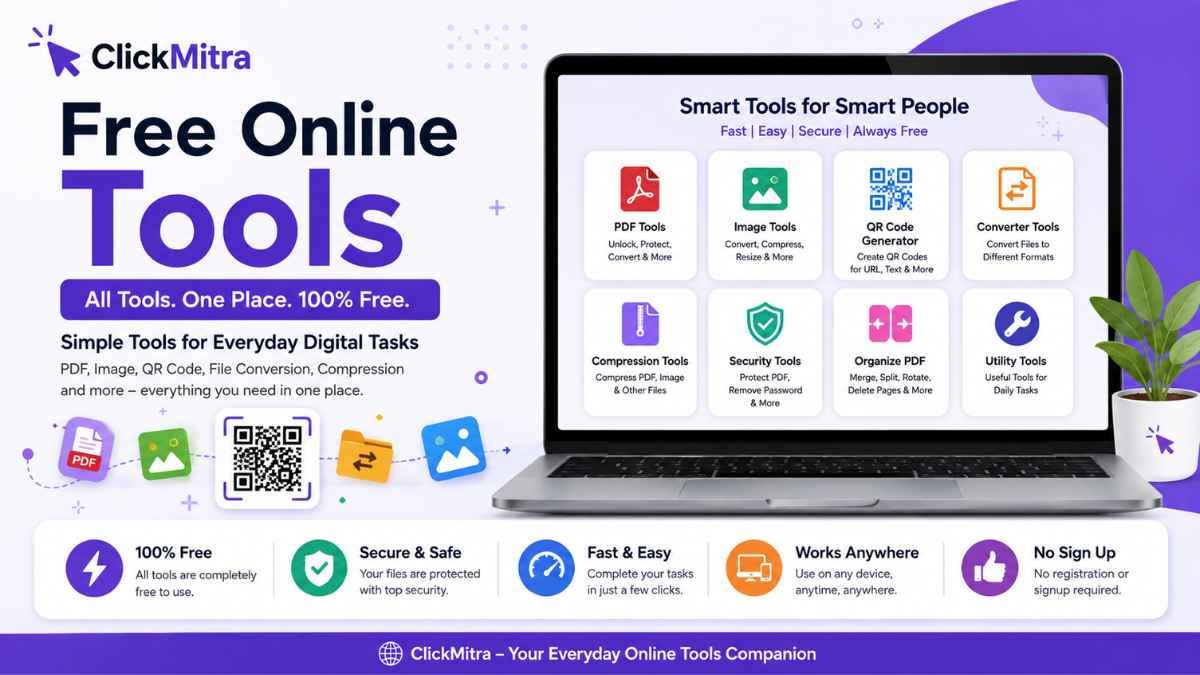
Explore ClickMitra’s free online tools for PDF, images, QR codes, file conversion, compression, and more. Complete everyday digital tasks quickly without installing complicated software.
The internet is full of small tasks that can take more time than expected. Converting a file, reducing PDF size, unlocking a protected document, creating a QR code, or working with an image often requires separate software or complicated applications. Free online tools make these everyday tasks much easier.
ClickMitra is built as a collection of simple browser-based tools that help users complete common digital tasks without installing complicated software. Whether you need PDF tools, image utilities, a QR code generator, or other online utilities, you can access useful tools directly from your browser.
This guide explains some of the most useful tools available on ClickMitra and how they can help with everyday digital work.
What Are Free Online Tools?
Free online tools are web-based utilities that allow users to perform specific tasks directly from a browser. Instead of downloading dedicated software, you can open an online tool, upload or enter the required information, complete the task, and download the result.
These tools can be useful for students, professionals, freelancers, businesses, content creators, teachers, and everyday internet users.
Some common examples include online PDF tools, image tools, file converters, QR code generators, compressors, and document utilities.
The biggest advantage is convenience. You can access an online tool from a computer, tablet, or smartphone without going through a lengthy installation process.
PDF Tools
PDF is one of the most commonly used file formats for documents. From invoices and reports to applications, certificates, ebooks, and forms, PDFs are used almost everywhere.
ClickMitra's PDF tools are designed to simplify common PDF-related tasks.
PDF Unlocker
A PDF Unlocker helps users remove password protection from a PDF when they know the correct password and have permission to access the document.
If you frequently open the same protected PDF, entering the password every time can become inconvenient. A PDF Unlocker Online can help create an accessible version of an authorized document.
You can use ClickMitra's PDF Unlocker to unlock PDF online, remove a known PDF password, and download the resulting document.
PDF Password Remover
A PDF Password Remover is useful when you have a password-protected PDF and want to remove the known password protection for easier future access.
It can be useful for personal documents, business files, reports, forms, and other authorized PDFs.
Users should only remove protection from documents they own or have permission to modify.
More PDF Tools
PDF workflows often involve multiple tasks, including converting, compressing, protecting, unlocking, merging, splitting, and managing documents.
As ClickMitra's collection of free PDF tools expands, users can use the website as a convenient place for common PDF-related tasks instead of searching for a separate service for every requirement.
QR Code Generator
QR codes have become an important part of modern communication and marketing. They provide a quick connection between physical materials and digital information.
ClickMitra's QR Code Generator Free allows users to create QR codes online for supported information such as URLs and text.
A QR code generator online can be useful for:
- Websites
- Business pages
- Menus
- Events
- Contact information
- Marketing materials
- Printed advertisements
- Product information
- Educational resources
For example, instead of printing a long website address on a poster, you can create a QR code and let users scan it with their smartphone.
Create QR Code Online
If you are wondering how to create QR code online, the process is simple. Enter the information you want to encode, generate the QR code, and download it for use.
A free QR code maker is particularly useful for people who need to create QR codes without purchasing dedicated software.
You can also use a QR code for URL, QR code for website, or QR code for text, depending on the information you want to share.
Image Tools
Images are another major part of everyday digital work. Websites, social media platforms, ecommerce stores, blogs, presentations, and marketing campaigns all require images in different sizes and formats.
Online image tools can simplify tasks such as converting, resizing, compressing, or optimizing images.
Instead of opening large desktop applications for a simple image task, users can use browser-based utilities for quick processing.
Image Conversion
Different websites and applications may require different image formats. An image converter can help users convert an image from one supported format to another.
For example, you may need to change an image format before uploading it to a website or using it in another application.
Image Compression
Large images can increase page-loading times and consume more storage. An image compressor can reduce file size while attempting to maintain useful image quality.
Image compression can be especially useful for:
- Websites
- Blogs
- Ecommerce stores
- Email attachments
- Social media
- Online forms
- Document uploads
Using an online image compressor can save time when you only need to optimize a few files.
File Conversion Tools
Different applications and platforms support different file formats. As a result, file conversion is a common digital requirement.
Online file converters can help users convert supported files from one format to another without installing dedicated conversion software.
File conversion can be useful for students working with assignments, professionals handling business documents, content creators preparing media, and website owners optimizing files for online use.
A simple browser-based converter can make these tasks faster and more convenient.
PDF Compression
PDF files containing high-resolution images or many pages can become large and difficult to upload or share.
A PDF compressor can help reduce the size of a PDF for easier sharing and storage.
PDF compression can be useful when:
- An email attachment is too large
- A website has an upload-size limit
- A document needs to be shared through messaging apps
- Storage space needs to be reduced
- A PDF needs to be uploaded to an online form
The goal is to reduce unnecessary file size while maintaining useful document quality.
Why Use Online Tools Instead of Software?
Traditional desktop software can be powerful, but it is not always necessary for simple tasks.
For example, if you only need to create one QR code or unlock an authorized PDF, installing a large application may be unnecessary.
Online tools offer several practical advantages:
No complicated installation: Most browser-based utilities can be accessed directly through a website.
Quick access: You can open the required tool whenever you need it.
Cross-device convenience: Browser-based tools can be useful across computers, tablets, and smartphones.
Simple interfaces: Online utilities are generally designed around a specific task.
Useful for occasional users: You do not necessarily need dedicated software for a task you perform only occasionally.
Free Online Tools for Students
Students regularly work with PDFs, images, documents, and online resources.
A collection of free tools online can help with everyday academic tasks such as preparing documents, reducing file sizes, converting files, creating QR codes, and managing digital assignments.
For example, a student may need to compress a PDF before uploading an assignment or create a QR code to share a project resource.
Free Online Tools for Businesses
Businesses also deal with large numbers of digital files every day.
From invoices and reports to marketing materials and product information, simple online utilities can save time.
A business can use PDF tools for document management, image tools for marketing materials, QR codes for promotional campaigns, and compression tools for easier file sharing.
Small businesses and freelancers can particularly benefit from free online tools because they can handle simple tasks without purchasing specialized software for every requirement.
Free Online Tools for Content Creators
Content creators frequently work with images, PDFs, websites, and digital assets.
Image compression can help prepare files for websites. Image conversion can make assets compatible with different platforms. QR codes can connect printed content with online videos, social media profiles, websites, or portfolios.
Having several useful online tools available in one place can reduce the need to search for a new website whenever a small digital task appears.
Are Online Tools Easy to Use?
Most single-purpose online tools are designed around a simple workflow.
Typically, you select a file or enter information, choose the required action, process the file, and download the result.
The exact steps depend on the tool, but the objective is to make common digital tasks accessible to users without advanced technical knowledge.
Before processing any sensitive or confidential document, users should always review the service's privacy and file-handling information.
Frequently Asked Questions
What are free online tools?
Free online tools are browser-based utilities that allow users to perform specific digital tasks without installing dedicated software.
What tools are available on ClickMitra?
ClickMitra provides online utilities covering areas such as PDF tasks, QR code generation, image processing, compression, conversion, and other digital requirements. The available tool collection continues to expand.
Can I use ClickMitra tools on mobile?
Browser-based tools can generally be accessed through a modern web browser on supported smartphones and tablets as well as computers.
Are online PDF tools useful?
Yes. Online PDF tools can simplify common tasks such as unlocking authorized PDFs, removing known password protection, compressing documents, and other PDF-related operations.
What is a QR Code Generator Free?
A QR Code Generator Free is a tool that allows users to create QR codes without paying for the basic generation process.
Can I compress images online?
Yes. An online image compressor can reduce the file size of supported images without requiring desktop image-editing software.
Why should I use online tools?
Online tools are convenient for completing specific digital tasks without installing specialized software. They are particularly useful when you need a quick solution for an occasional task.
One Place for Everyday Digital Tools
You do not always need complicated software to complete a simple digital task. Whether you need to unlock PDF online, remove a known PDF password, create a QR code, compress an image, convert a file, or handle another common digital requirement, a dedicated online utility can make the process easier.
ClickMitra brings these types of utilities together in one place so users can find the right tool for their specific task.
From free PDF tools and online image tools to a free QR code generator and other browser-based utilities, ClickMitra is designed to make everyday digital work simpler.
Explore the available ClickMitra tools and choose the utility that matches your task.